















We are willing to ship to Worldwide by Airmail Service and Express shipping.
Your order will be shipped within 1-2 business days once we receive your payment.
We are not responsible for any customs duty incurred at foreign customs.
Buyers have to pay for the return cost and we pay the cost for reshipping.
Normal you will get the pakcage within 8-15days(Airmail Service) 3-7days(Express Shipping)
-29%
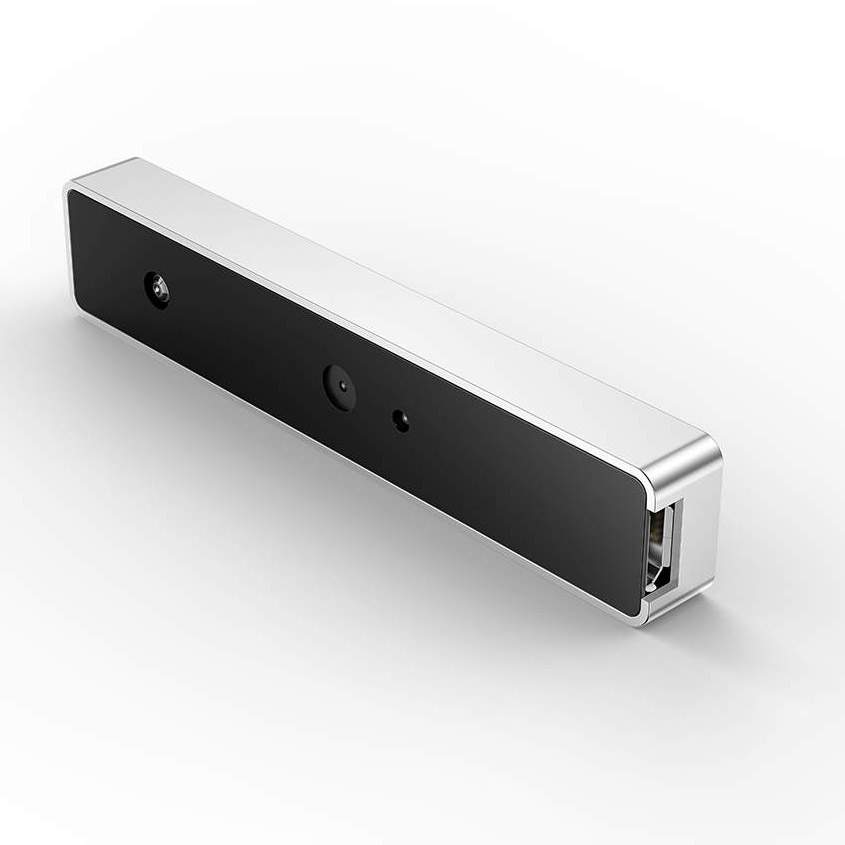
WebCam USB External Type Windows Hello Facial Recognition IR Camera 1080P HD Video Calling Camera Compatible with Windows 10
$69.99 $49.99
WebCam USB External Type Windows Hello Facial Recognition IR Camera 1080P HD Video Calling Camera Compatible with Windows 10
Description:
Windows Hello: Discover facial recognition on Windows 10
1.Windows Hello logs you into your Windows devices 3x faster than a password. Use your camera to recognize your face. Windows Hello recognizes you instantly. You can always keep your PIN as a backup.
2.Enabling Windows Hello turns on sign-in with your face. Login faster and more securely to your laptop.
NOTE: First, update OS to Windows 10 Fall Creators update or later.
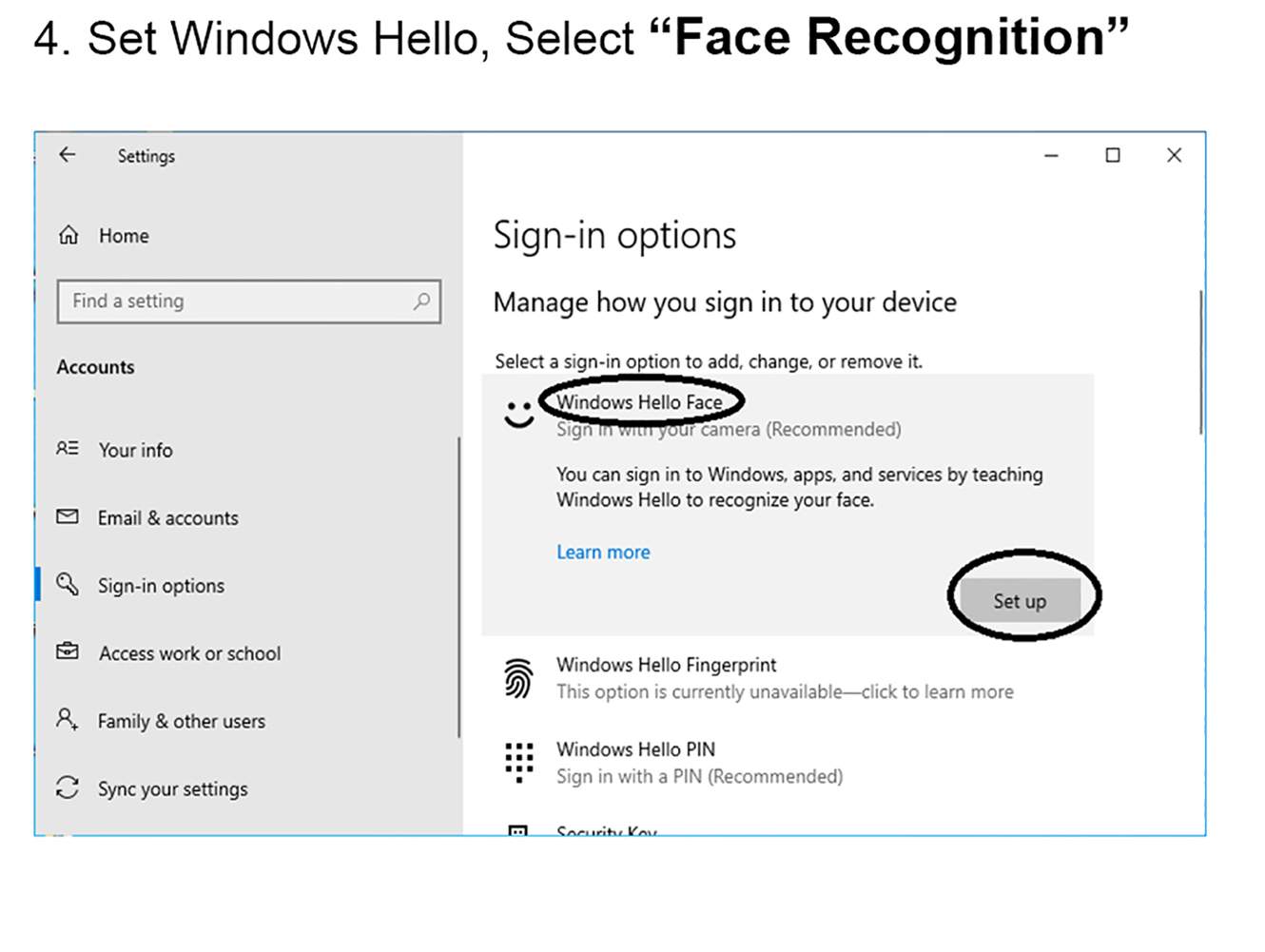
How to Setup Windows Hello
1.Open Windows Setting->Select “Accounts”
2.Select “Sign-in Options”
3.Set Password and PIN before Windows Hello.
4. Set Windows Hello, Select “Face Recognition”.
5.Start Enroll.
SPECS & DETAILS
System Requirements
Windows 10 Fall Creators update or later
Technical Specifications
* USB2.0 plug-and-play USB connectivity
* Infrared sensor technology for Windows Hello
* 1080P Full HD video calling (up to 1920*1080 pixels @30 fps)
* 720P HD video calling (up to 1280*720pixels @30 fps)
Features
– Full HD 1080P webcam
– Facial Recognition IR camera
– Easy to install
– Compatible with Windows 10
– Designed for Windows Hello
– Smallest external Windows Hello infrared facial recognition login camera, only 7.6cm x 1.5cm, short and light
– Password-free login to Windows 10 for safe and fast
– Compatible with FIDO security protocol, Microsoft certification passed
NOTE:You may encounter the following problems during installation
1. Please connect the USB interface to the motherboard (please do not connect to a Hub), and then restart the computer.
2.Please check if there is “Biometric Device—– Windows Hello Face Software Device” in the Device Manager
Right-click “Start” –> “Device Manager”
If you don’t have this device, your system may be a lite version.
Solution: C:WindowsSystem32WinBioPlugInsFaceDriverHelloFace.inf
Please find the directory, right-click “HelloFace.inf”, click “Install”. The device will be added and windows hello is worked.
If there is no FaceDriver folder, please contact us and send your email
3. Please check if the account name is Administrator?
If the account name is Administrator, this is a disabled account. All Microsoft operating system default administrator accounts are Administrator accounts. To avoid permission conflicts, Microsoft’s operating system has disabled the Administrator’s ability to use Windows Hello.
Solution: Please create a new account and you can use Windows Hello in the new account.
4. The memory space of the TPM chip is insufficient. When the computer has a TPM chip, Windows Hello will store the face data into the TPM chip. When the space is insufficient, the system will disable Windows Hello.
Solution: Turn off TPM or clear TPM.
Related products
-20%
Close
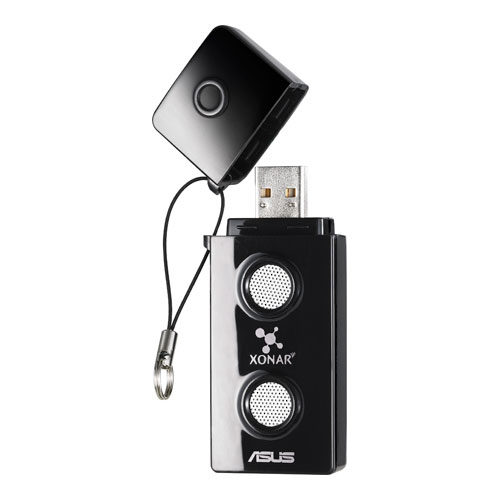
ASUS Xonar U3 Sound Cards (XONAR_U3/UAD/B/A)
The ASUS Xonar U3 upgrades your audio via USB for crisp and clear sound in music, movies, games, and VOIP.
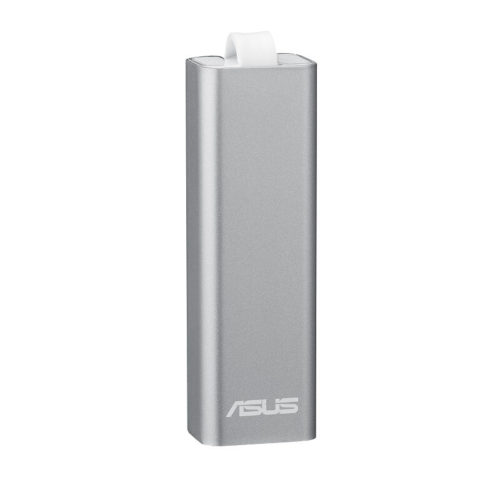
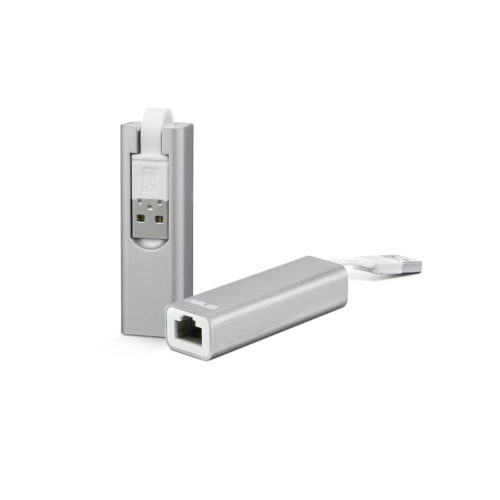
ASUS Multi-Mode Pocket Router (WL-330NUL)
Product description
Pattern Name:!other
Product Description
Stay connected wherever you go. About the size and weight of a French fry, the compact ASUS WL-330NUL Wireless-N150 USB pocket router is one of the smallest-sized routers to date. Whether you are a frequent traveler looking to setup a secure wireless hotspot in a hotel room or an Ultrabook owner wanting to enable a wired connection, the WL-330NUL offers incredible versatility on setting up your personal Internet connection.
At a Glance
- World’s smallest-sized router for easy portability and storage on the go
- Multi-mode versatility for both wired and wireless use
- Secure hotspot with encryption to secure public wireless hotspots
- Ethernet port to enable ethernet connectivity to devices without it
- USB powered for versatility in different environments
- Multiple OS support
Features
You Choose How to Use It
Choose from one of the four ways to use the WL-330NUL. Plug in an Ethernet cable and power cable to create an instant wireless hotspot. Plug it into your notebook and it will act as a powerful Wi-Fi receiver, more powerful than some integrated wireless adapters. Plug it into a power source and create an instant private LAN network. Plug it into a notebook without an Ethernet port to enable a wired Ethernet connection.Free Wireless
Some places charge for an added wireless internet connection when only a wired Ethernet internet connection is available. With the WL-330NUL, you can extend a wired internet connection into a wireless one without needing to purchase additional services.Power with Versatility
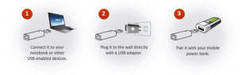
Power the WL-330NUL in nearly any environment. Use your notebook, a USB wall adapter, or a mobile power bank.What’s in the Box
- WL-330NUL Wireless-N150 USB Pocket Router
- Quick Start Guide
- Warranty Card
Specifications
Interface Type
- 1 x 10/100 Mbps WAN port
- 1 x USB 2.0 port
Data Rate
- 802.11b : 1, 2, 5.5, 11Mbps
- 802.11g : 6,9,12,18,24,36,48,54Mbps
- 802.11n : up to 300Mbps
Encryption
- 64/128 bit WEP; WPA/WPA2-PSK
Management
- One-click guest management
- Firmware upgrade
- Web-based administration
- DHCP server
Power Adapter
- AC input: 110 V ~ 240V (50~60Hz); USB output: 5V with max. 1A current
OS Support
- Windows XP (86x64) / Windows Vista (86x64) / Windows 7 (86x64), Windows 8 (32/64 bit)
- OS X 10.5 / 10.6 / 10.7 / 10.8
Size
- 2.56 x 0.81 x 0.61-inches
Weight
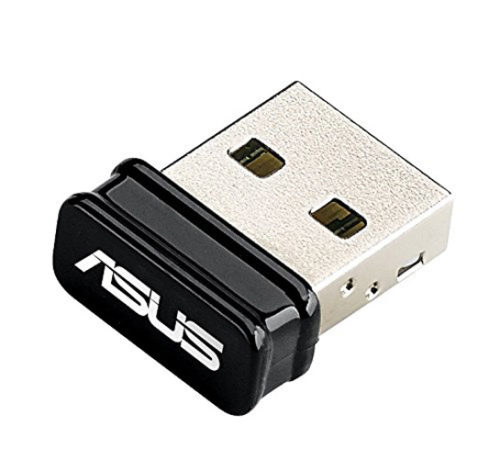
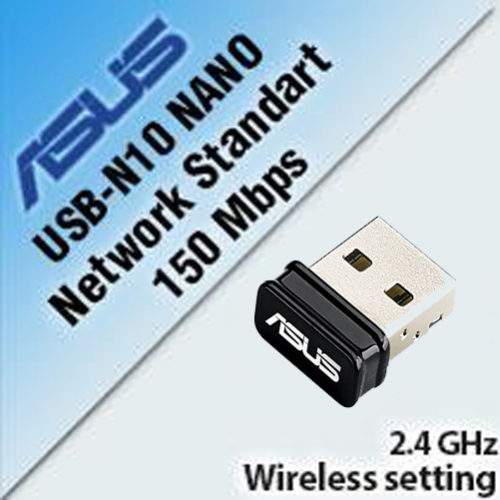
ASUS USB-N10 Nano N150M 802.11b/g/n Wi-Fi Wireless USB Adapter Windows Mac Linux
- 25% wider signal coverage for enhanced wireless connectivity
- Auto-off function to save power on the go
- Support the newest Window 10 & MAC OS 10.10 Operating Systems


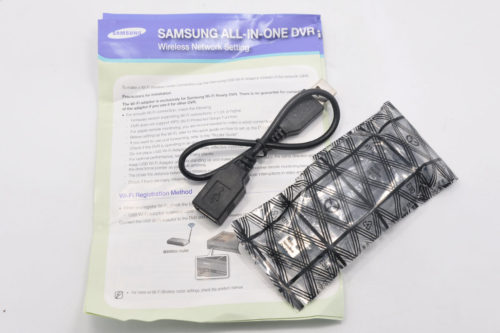
Samsung USB 3.0 SEA-W01ACN 1200M 802.11AC Double Band 2.4/5G WIFI Adapter Dongle
- Complies with IEEE 802.11a/b/g/n standards and IEEE802.11ac draft
- Supports dual band frequency - 2.4GHz and 5GHz
- Very high transfer data rate - up to 300Mbps (2.4GHz) or up to 867Mbps (5GHz)
- Supports WMM wireless QoS feature

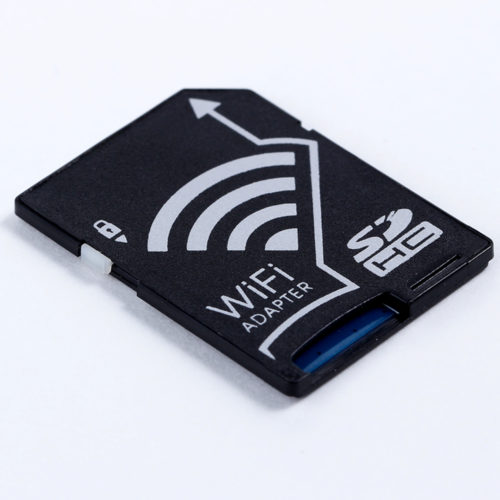
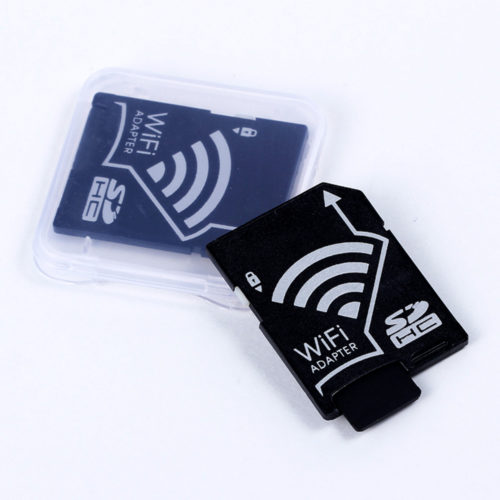
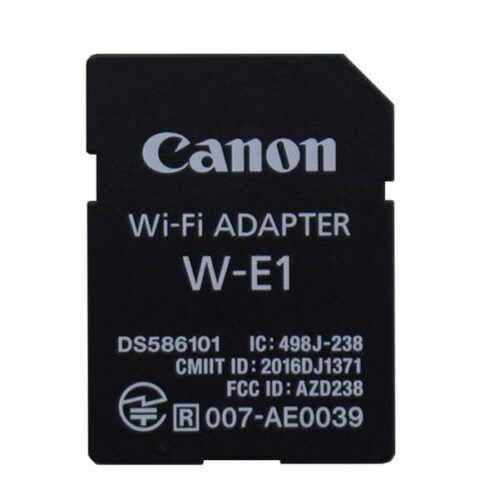
Wireless Micro SD TF Card to SD Card Adapter for IOS Android Smartphone Tablet
Wireless Micro SD TF Card to SD Card Adapter for IOS Android Smartphone Tablet Features: Plug the WiFi adapter with
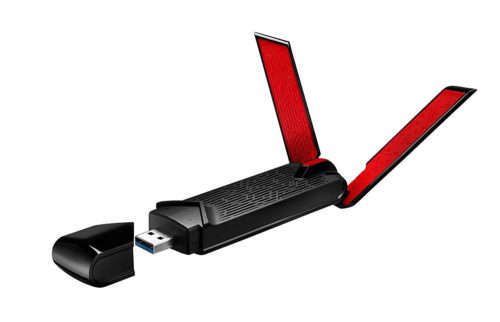
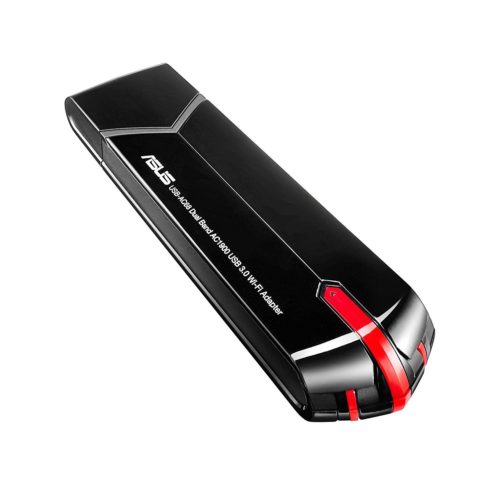
ASUS USB-AC68 AC1900M Dual-Band USB 3.0 802.11a/b/g/n/ac Wi-Fi Adapter Dongles
- Instantly upgrades desktops/laptops to dual-band AC1900 Wifi for extended coverage and higher throughput
- Powerful 3x4 MIMO design with dual 3-position external antennas, dual internal antennas and ASUS AiRadar beamforming
- Included USB 3.0 cradle provides additional placement options to optimize coverage for desktops
- Foldable external antennas provide enhanced reception for laptops when open, and portability when closed
- Increase Wifi speeds by up to 300% vs. previous gen N900 adapters

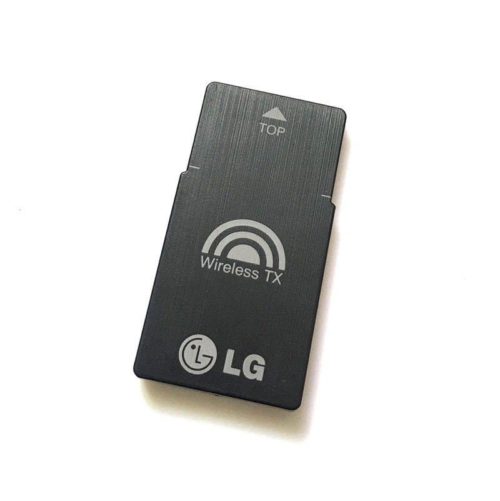
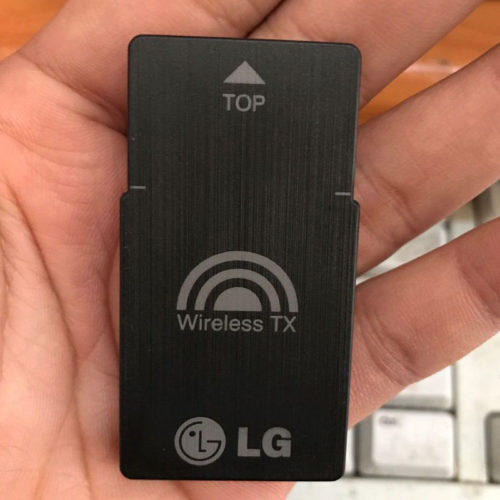
LG T2 TX Wireless Adapter Card V038 EAT61653501 For BH6520HW B7520TW BH7530TW
Brand : LG
Model: T2
Part No:EAT61653501
Type:TX Wireless Adapter Card
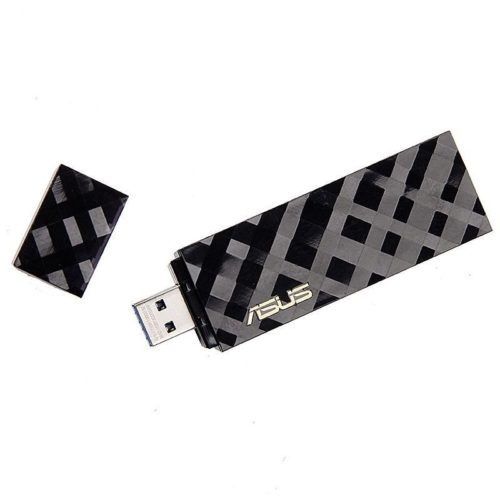
ASUS USB-AC55 AC1300M Dual-Band 2.4G/5G USB3.0 802.11a/b/g/n/ac Wi-Fi Adapter Dongle
- 5th generation 802.11ac chipset gives you dual-band 2.4 GHz / 5 GHz for up to super-fast 867 Mbps
- 256QAM technology increases wireless-N data rate from 300 Mbps to 400 Mbps for 33% faster performance
- Selectable 5 GHz /2 .4 GHz dual bands increase signal clarity for better HD multimedia
- USB 3.0 connection for high-performance wireless networking with desktop and notebook PCs