













We are willing to ship to Worldwide by Airmail Service and Express shipping.
Your order will be shipped within 1-2 business days once we receive your payment.
We are not responsible for any customs duty incurred at foreign customs.
Buyers have to pay for the return cost and we pay the cost for reshipping.
Normal you will get the pakcage within 8-15days(Airmail Service) 3-7days(Express Shipping)
-29%
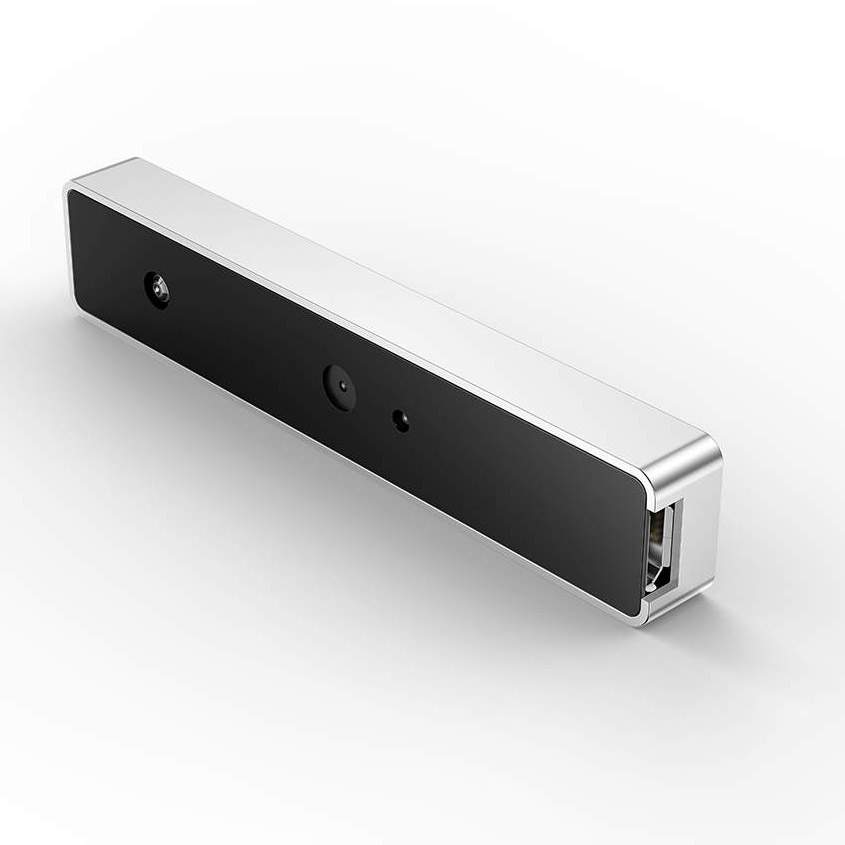
WebCam USB External Type Windows Hello Facial Recognition IR Camera 1080P HD Video Calling Camera Compatible with Windows 10
$69.99 $49.99
WebCam USB External Type Windows Hello Facial Recognition IR Camera 1080P HD Video Calling Camera Compatible with Windows 10
Description:
Windows Hello: Discover facial recognition on Windows 10
1.Windows Hello logs you into your Windows devices 3x faster than a password. Use your camera to recognize your face. Windows Hello recognizes you instantly. You can always keep your PIN as a backup.
2.Enabling Windows Hello turns on sign-in with your face. Login faster and more securely to your laptop.
NOTE: First, update OS to Windows 10 Fall Creators update or later.
How to Setup Windows Hello
1.Open Windows Setting->Select “Accounts”
2.Select “Sign-in Options”
3.Set Password and PIN before Windows Hello.
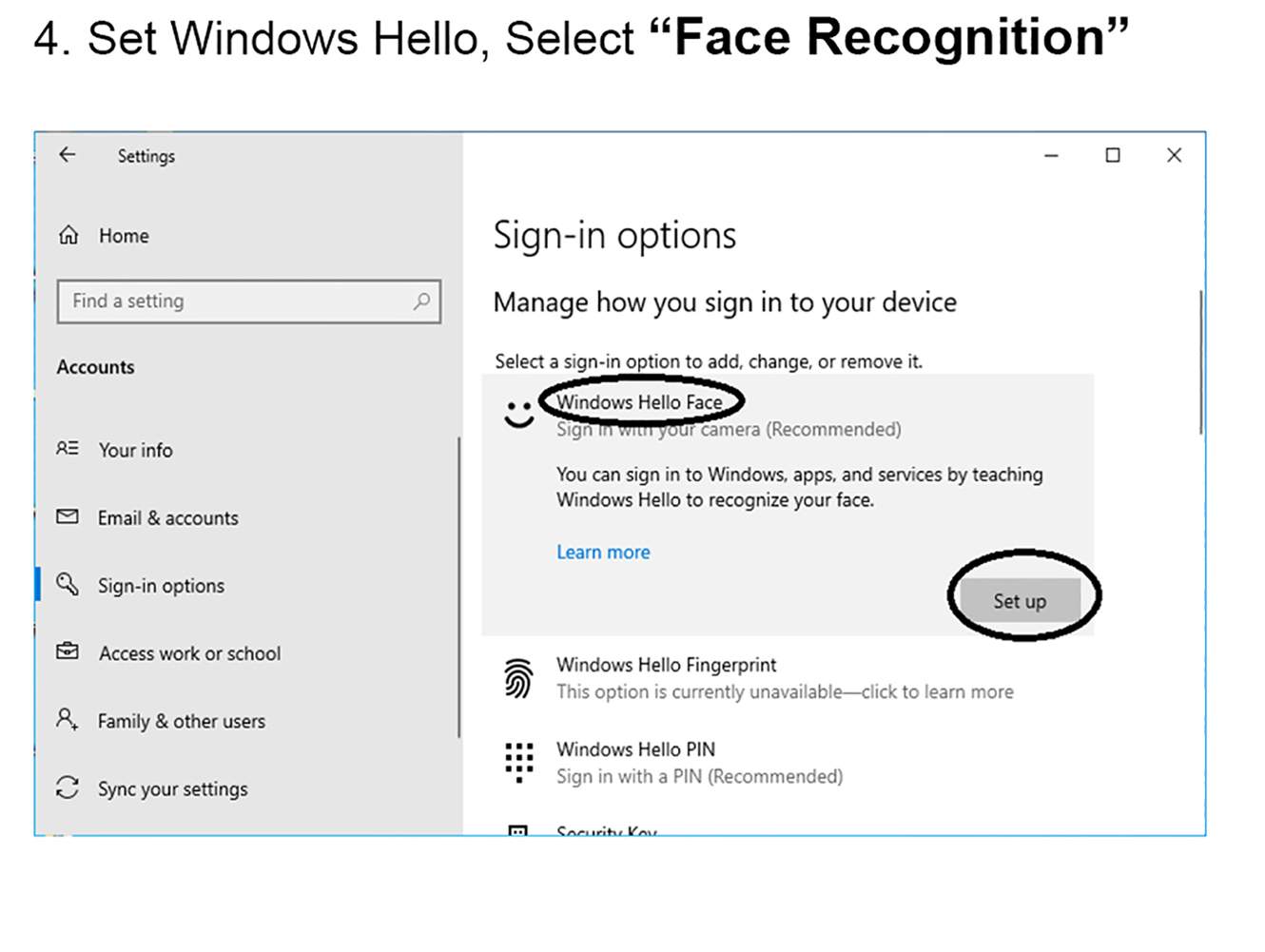
4. Set Windows Hello, Select “Face Recognition”.
5.Start Enroll.
SPECS & DETAILS
System Requirements
Windows 10 Fall Creators update or later
Technical Specifications
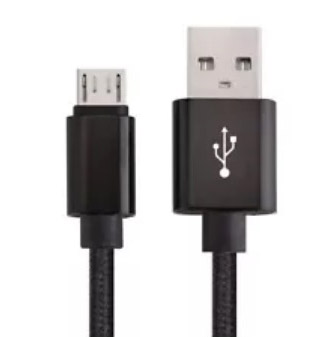
* USB2.0 plug-and-play USB connectivity
* Infrared sensor technology for Windows Hello
* 1080P Full HD video calling (up to 1920*1080 pixels @30 fps)
* 720P HD video calling (up to 1280*720pixels @30 fps)
Features
– Full HD 1080P webcam
– Facial Recognition IR camera
– Easy to install
– Compatible with Windows 10
– Designed for Windows Hello
– Smallest external Windows Hello infrared facial recognition login camera, only 7.6cm x 1.5cm, short and light
– Password-free login to Windows 10 for safe and fast
– Compatible with FIDO security protocol, Microsoft certification passed
NOTE:You may encounter the following problems during installation
1. Please connect the USB interface to the motherboard (please do not connect to a Hub), and then restart the computer.
2.Please check if there is “Biometric Device—– Windows Hello Face Software Device” in the Device Manager
Right-click “Start” –> “Device Manager”
If you don’t have this device, your system may be a lite version.
Solution: C:WindowsSystem32WinBioPlugInsFaceDriverHelloFace.inf
Please find the directory, right-click “HelloFace.inf”, click “Install”. The device will be added and windows hello is worked.
If there is no FaceDriver folder, please contact us and send your email
3. Please check if the account name is Administrator?
If the account name is Administrator, this is a disabled account. All Microsoft operating system default administrator accounts are Administrator accounts. To avoid permission conflicts, Microsoft’s operating system has disabled the Administrator’s ability to use Windows Hello.
Solution: Please create a new account and you can use Windows Hello in the new account.
4. The memory space of the TPM chip is insufficient. When the computer has a TPM chip, Windows Hello will store the face data into the TPM chip. When the space is insufficient, the system will disable Windows Hello.
Solution: Turn off TPM or clear TPM.
Related products
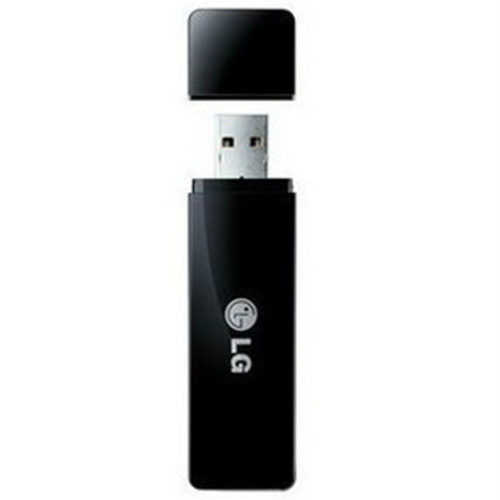
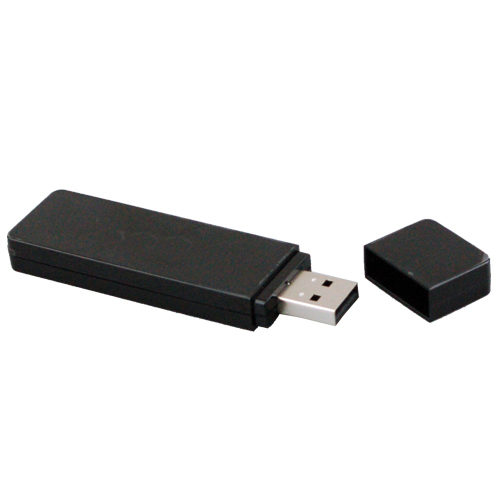
LG AN-WF100 Wireless WiFi USB Adaptor Dongle for LG LED LCD 2011-2010 Plasma TV
- For Select 2011-2010 TVs, See List Below
- IEEE 802.11a/b/g/n
- Enables wireless LAN for Broadband and DLNA
- USB 2.0

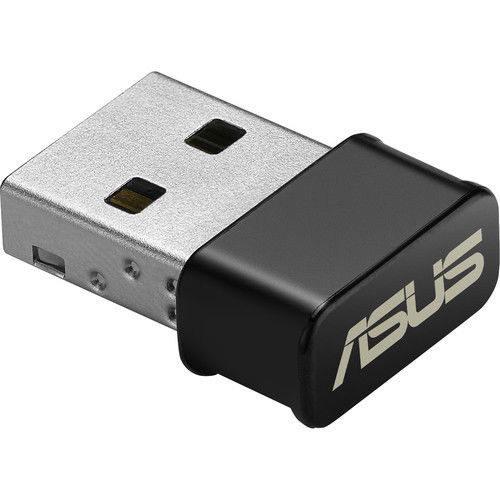
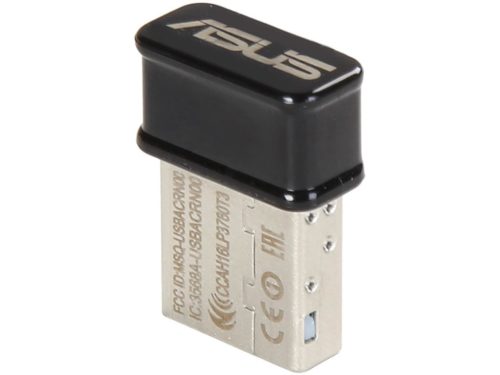
ASUS USB-AC53 Nano AC1200 Dual-Band USB2.0 802.11a/b/g/n/ac Wi-Fi Adapter Dongle
- 802.11a/b/g/n/ac Wi-Fi Standards
- Up to 1200 Mbps Wi-Fi Data Throughput
- 2.4 GHz & 5 GHz Dual-Band
- USB 2.0 Interface
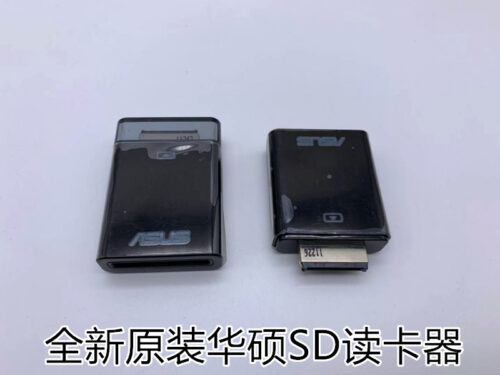
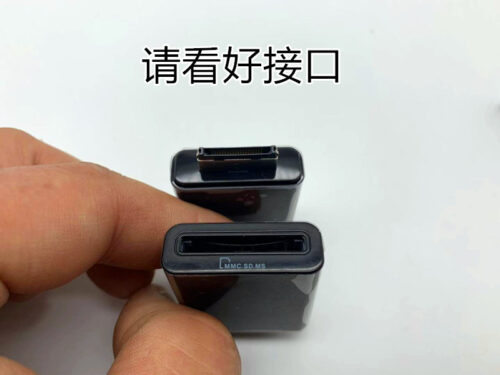
New Genuine ASUS TabletPC TF101 201 TF300 TF700T SL101 SD Card Reader ASUS External Card Reader for Transformer-Series Tablets
Made for ASUS Transformer-Series Android Tablets Product description
Designed exclusively for ASUS Transformer-Series Android Tablets. This device offers instant plug and play 4-in-1 card reader to your Transformer Tablet, supporting SD, SDHC, MS and MMC formats.
Works with TF101 Series, TF201 Series, TF300 Series, and TF700 Series
Adds full support for SD, SDHC, MicroSD, and MMC cards
No setup needed, Instant plug and play
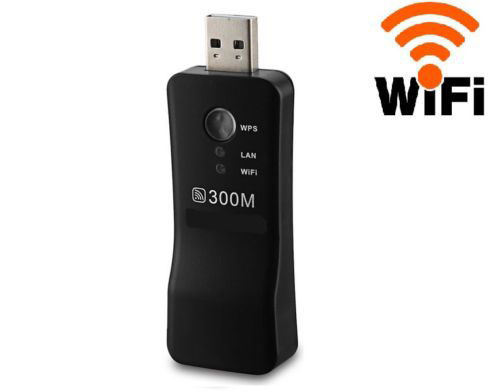
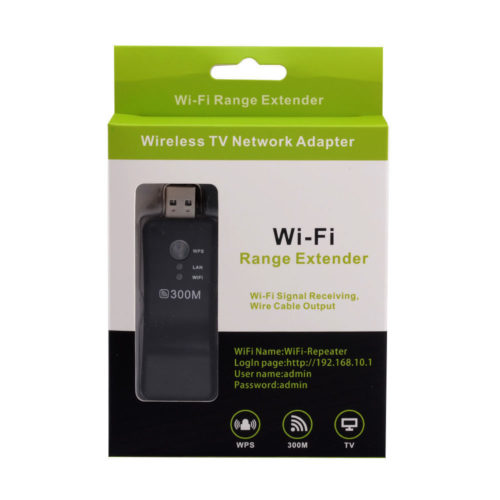
universal wifi range extender 300mbps wireless tv wifi adapter
1.WPS Button For Easy Setup
2.300Mbps Transmission Rate
3.802.11N/b/g Standard
4.3dBI Built-in Antenna
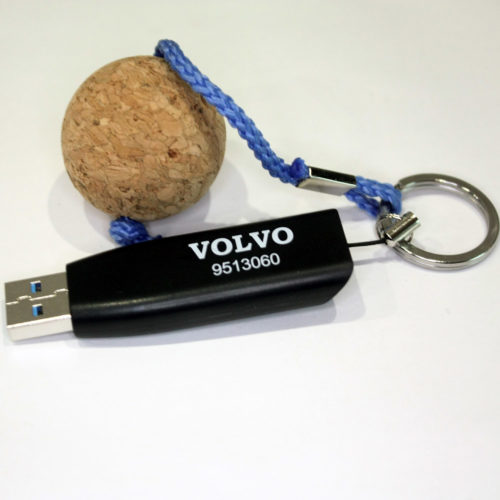
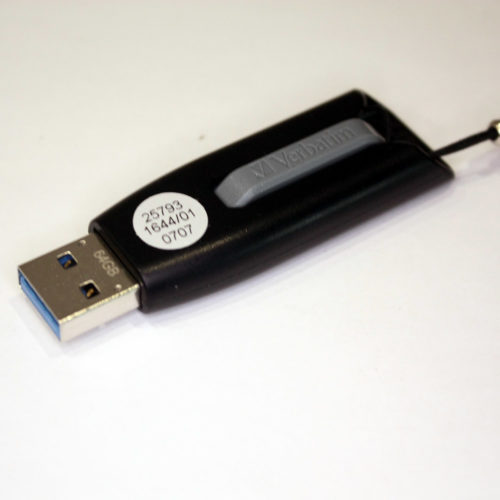
Brand New VOLVO Genuine Parts 9513060 USB 3.0 64G Flash Driver OEM By Verbatim
Genuine Parts 9513060


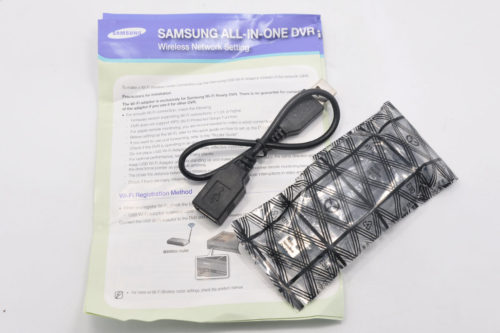
Samsung USB 3.0 SEA-W01ACN 1200M 802.11AC Double Band 2.4/5G WIFI Adapter Dongle
- Complies with IEEE 802.11a/b/g/n standards and IEEE802.11ac draft
- Supports dual band frequency - 2.4GHz and 5GHz
- Very high transfer data rate - up to 300Mbps (2.4GHz) or up to 867Mbps (5GHz)
- Supports WMM wireless QoS feature
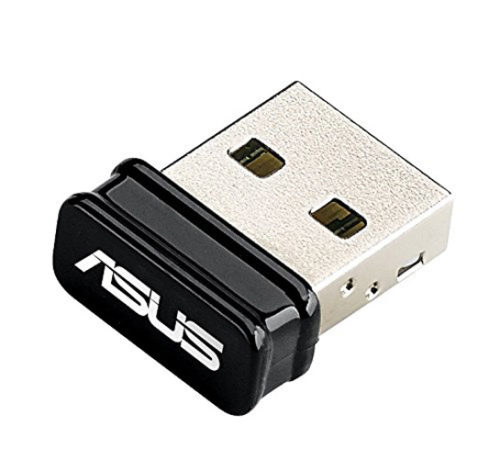
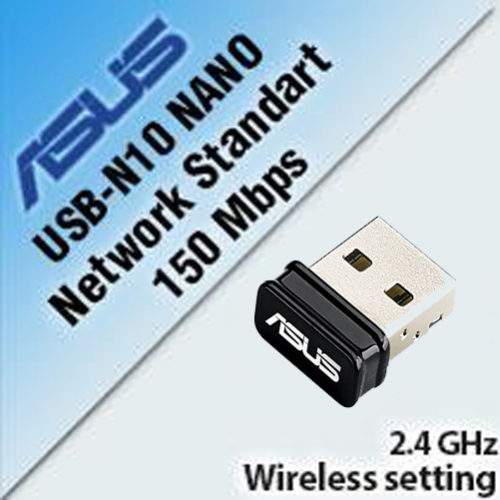
ASUS USB-N10 Nano N150M 802.11b/g/n Wi-Fi Wireless USB Adapter Windows Mac Linux
- 25% wider signal coverage for enhanced wireless connectivity
- Auto-off function to save power on the go
- Support the newest Window 10 & MAC OS 10.10 Operating Systems


Telewell TW-WLAN 802.11a/b/ac AC1200M 2.4/5G Dual-Band USB3.0 Wireless Adapter Dongles
Telewell TW-WLAN 802.11a/b/ac AC1200M 2.4/5G Dual-Band USB3.0 Wireless Adapter Dongles TW-WLAN 802.11 ac USB adapter 802.11b/g/n/ac USB WLAN adapter