










We are willing to ship to Worldwide by Airmail Service and Express shipping.
Your order will be shipped within 1-2 business days once we receive your payment.
We are not responsible for any customs duty incurred at foreign customs.
Buyers have to pay for the return cost and we pay the cost for reshipping.
Normal you will get the pakcage within 8-15days(Airmail Service) 3-7days(Express Shipping)
-70%
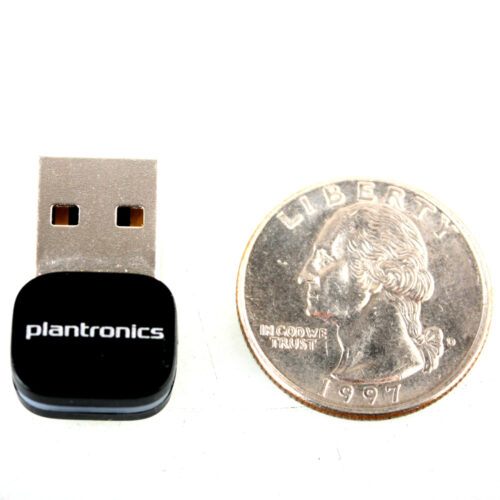
Genuine New Plantronics BT600 Bluetooth BT4.1 USB Dongle Adapter 4 Voyager 3200 5200 6200 8200 UC HD Audio
$59.99 $18.00
Description
BT600 USB-A Adapter
High-fidelity Bluetooth USB Adapter P/N: 205250-01
OVERVIEW: Wireless USB adapter enables an excellent communication and music experience when connecting your existing Plantronics Bluetooth headset or headphones to PC and Mac computers. It’s small enough to keep in your computer for always-ready connectivity.
With the compact and easy to use BT600 High Fidelity Bluetooth USB Adapter from Plantronics a Bluetooth connection can be established between a Windows or a MAC based computer and Plantronics Bluetooth headphones or a headset. This adapter has been tested by the mfg for compatibility with both Plantronics VOYAGER FOCUS UC and BackBeat PRO+.
WORKS WITH:
Voyager 6200 UC
Business-ready Bluetooth neckband headset with earbuds
Voyager 5200 Office and UC Series
Mono Bluetooth? Headset System
Voyager 8200 UC
Stereo Bluetooth Headset
Voyager 3200 UC
Discreet Bluetooth Headset System
Voyager 4200 Office and UC Series
Bluetooth? wireless headset systems for office workers
Voyager Focus UC
Stereo Bluetooth headset with Active Noise Canceling (ANC)
QUICK START GUIDE: To pair your high-fidelity Bluetooth? USB adapter to your headset, do the following: 1. Insert the USB adapter into your laptop or computer and wait for your computer to recognize it. 2. Put your headset in pair mode (refer to your headset’s user guide). 3. Put your USB adapter into pair mode by pressing and holding the red Pair button until the USB adapter LED flashes red and blue. 4. Pairing is successful when you hear “pairing successful” and the USB adapter LED is solid blue. Your USB adapter comes ready to take calls. If you want to listen to music, you need to configure your USB adapter.
Windows OS 1. To configure your USB adapter to play music, go to Start menu > Control Panel > Sound >Playback tab. Select Plantronics BT600, set it as the Default Device and click OK. 2. To pause music when you place or receive calls, go to Start menu > Control Panel > Sound >Communications tab and select the desired parameter.
Mac OS 1. To configure the USB adapter, go to Apple menu > System Preferences > Sound. On both the Input and Output tabs, select Plantronics BT600.
Features
**OPEN BOX**ORIGINAL MFG PACKAGING NOT INCLUDED**All Bluetooths were tested and are in mint condition, they may have some minor marks or scratches. Check out our 30 day 100% refund/return policy.
Network USB Adapter
Bluetooth
For VOYAGER 3200 UC , 5200 UC , 6200 UC , 8200 UC
Simply plug this Bluetooth Adapter into any USB port and have an instant sloution to add a wireless connection to your computer
Add wireless connectivity to a computer without the hassle of internal installation with this external adapter
Host Interface: USB
Form Factor: External
Device Supported: desktop computer/notebook
Includes
1- Plantronics BT600 USB Network Adatper ??no retailbox??
Related products
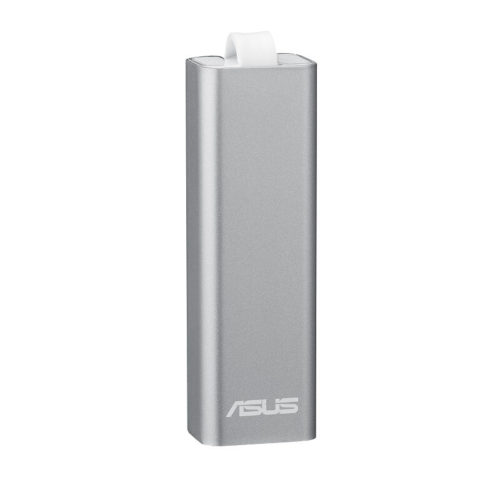
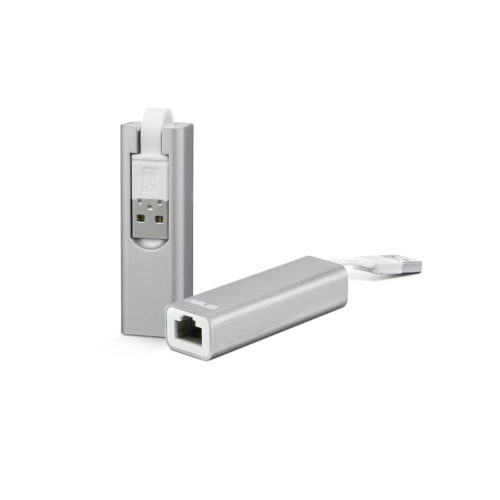
ASUS Multi-Mode Pocket Router (WL-330NUL)
Product description
Pattern Name:!other
Product Description
Stay connected wherever you go. About the size and weight of a French fry, the compact ASUS WL-330NUL Wireless-N150 USB pocket router is one of the smallest-sized routers to date. Whether you are a frequent traveler looking to setup a secure wireless hotspot in a hotel room or an Ultrabook owner wanting to enable a wired connection, the WL-330NUL offers incredible versatility on setting up your personal Internet connection.
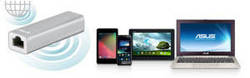
At a Glance
- World’s smallest-sized router for easy portability and storage on the go
- Multi-mode versatility for both wired and wireless use
- Secure hotspot with encryption to secure public wireless hotspots
- Ethernet port to enable ethernet connectivity to devices without it
- USB powered for versatility in different environments
- Multiple OS support
Features
You Choose How to Use It
Choose from one of the four ways to use the WL-330NUL. Plug in an Ethernet cable and power cable to create an instant wireless hotspot. Plug it into your notebook and it will act as a powerful Wi-Fi receiver, more powerful than some integrated wireless adapters. Plug it into a power source and create an instant private LAN network. Plug it into a notebook without an Ethernet port to enable a wired Ethernet connection.Free Wireless
Some places charge for an added wireless internet connection when only a wired Ethernet internet connection is available. With the WL-330NUL, you can extend a wired internet connection into a wireless one without needing to purchase additional services.Power with Versatility
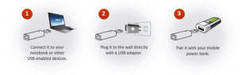
Power the WL-330NUL in nearly any environment. Use your notebook, a USB wall adapter, or a mobile power bank.What’s in the Box
- WL-330NUL Wireless-N150 USB Pocket Router
- Quick Start Guide
- Warranty Card
Specifications
Interface Type
- 1 x 10/100 Mbps WAN port
- 1 x USB 2.0 port
Data Rate
- 802.11b : 1, 2, 5.5, 11Mbps
- 802.11g : 6,9,12,18,24,36,48,54Mbps
- 802.11n : up to 300Mbps
Encryption
- 64/128 bit WEP; WPA/WPA2-PSK
Management
- One-click guest management
- Firmware upgrade
- Web-based administration
- DHCP server
Power Adapter
- AC input: 110 V ~ 240V (50~60Hz); USB output: 5V with max. 1A current
OS Support
- Windows XP (86x64) / Windows Vista (86x64) / Windows 7 (86x64), Windows 8 (32/64 bit)
- OS X 10.5 / 10.6 / 10.7 / 10.8
Size
- 2.56 x 0.81 x 0.61-inches
Weight
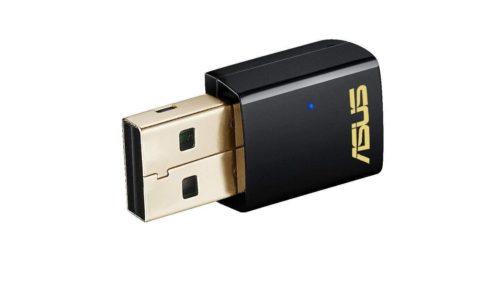
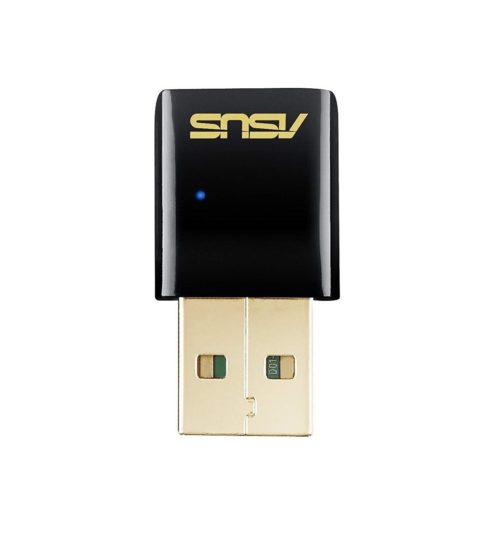
ASUS USB-AC51 AC600M Dual-Band USB 2.0 802.11a/b/g/n/ac Wi-Fi Adapter Dongles
- The smallest 802.11ac USB Wi-Fi adapter in the market
- Selectable dual-band 5GHz/2.4GHz for up to 433 Mbps
- Instant upgrade to next generation 5G Wi-Fi for your desktop and notebook
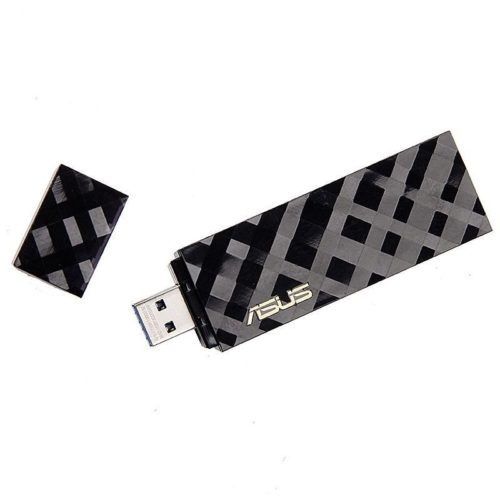
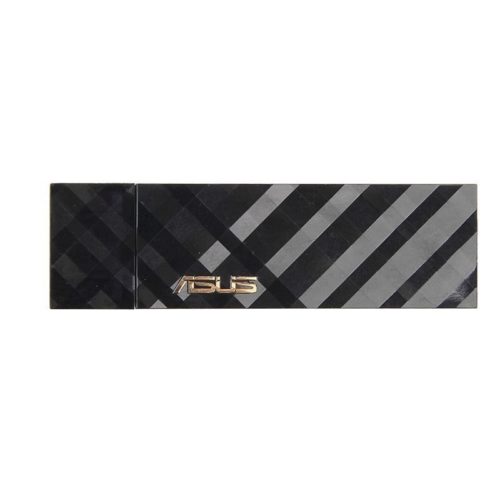
ASUS USB-AC55 AC1300M Dual-Band 2.4G/5G USB3.0 802.11a/b/g/n/ac Wi-Fi Adapter Dongle
- 5th generation 802.11ac chipset gives you dual-band 2.4 GHz / 5 GHz for up to super-fast 867 Mbps
- 256QAM technology increases wireless-N data rate from 300 Mbps to 400 Mbps for 33% faster performance
- Selectable 5 GHz /2 .4 GHz dual bands increase signal clarity for better HD multimedia
- USB 3.0 connection for high-performance wireless networking with desktop and notebook PCs
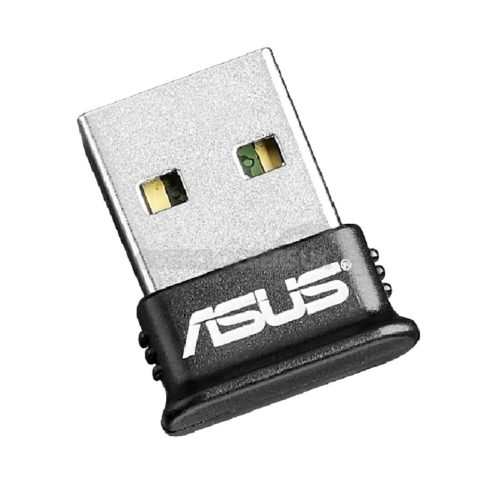
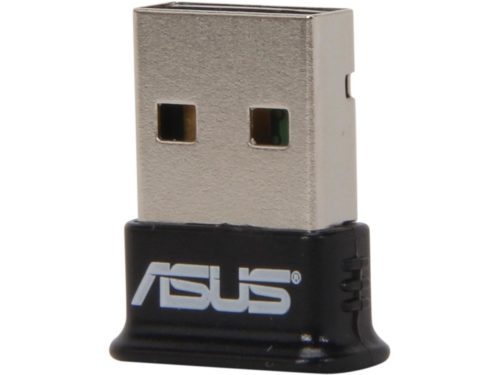
ASUS USB Adapter w/Bluetooth Dongle Receiver Transfer Wireless for Laptop PC Support Windows 10 Plug and Play /8/7/XP, Printers, Phones, Headsets, Speakers, Keyboards,
Product description
Product Description
Asus USB-BT400 Bluetooth 4.0/Up to 3Mbps/USB 2.0 USB AdapterFrom the Manufacturer
The USB-BT400 is a Bluetooth Smart Ready USB adapter with new Bluetooth 4.0 capabilities. It connects you with a multitude of compatible devices and supports Bluetooth Low Energy (BLE) to reduce power consumption. In dual-mode, the USB-BT400 maintains fully backward compatibility with Bluetooth 3.0, 2.1, and 2.0.

Telewell TW-WLAN 802.11a/b/ac AC1200M 2.4/5G Dual-Band USB3.0 Wireless Adapter Dongles
Telewell TW-WLAN 802.11a/b/ac AC1200M 2.4/5G Dual-Band USB3.0 Wireless Adapter Dongles TW-WLAN 802.11 ac USB adapter 802.11b/g/n/ac USB WLAN adapter
-20%
Close
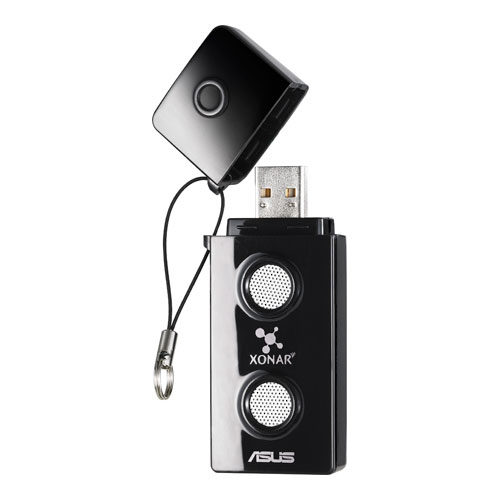
ASUS Xonar U3 Sound Cards (XONAR_U3/UAD/B/A)
The ASUS Xonar U3 upgrades your audio via USB for crisp and clear sound in music, movies, games, and VOIP.

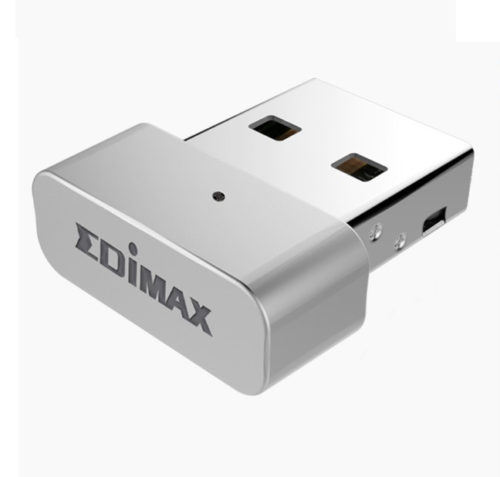
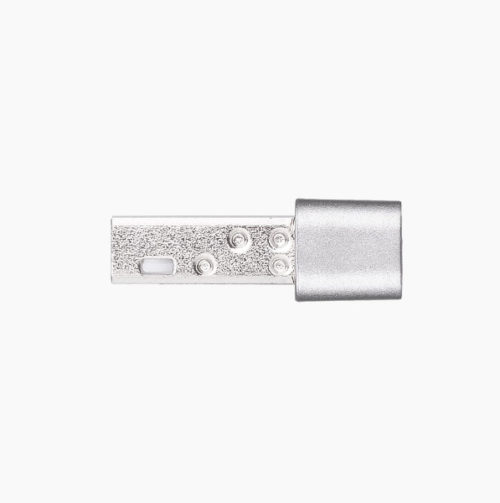
EDIMAX EW-7711MAC AC450 450Mbps Wi-Fi USB Adapter 802.11ac 5GHz for PC&MAC
- Nano, stylish and minimal design, it is perfectly fits your MacBook
- Complies with IEEE 802.11ac standard and backward compatible with wireless 802.11a/n standards
- Wireless connectivity on 5GHz band reducing wireless interference
- Maximum Wi-Fi speeds of 433Mbps (5GHz) Features WEP64/128-bit, WPA, WPA2 encryption
- Features easy setup wizard
- Supports Mac OS 10.7~10.12

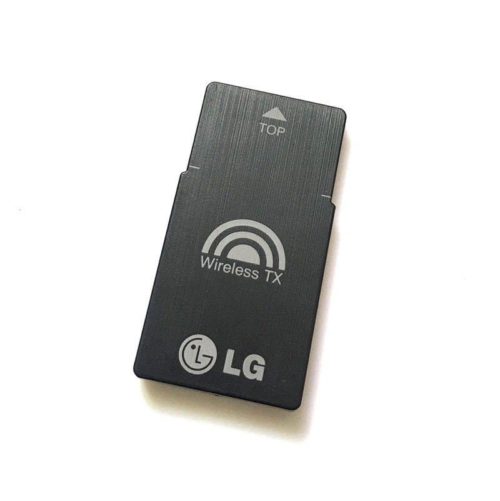
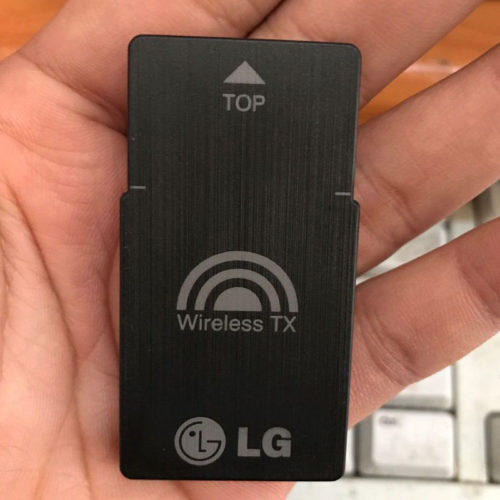
LG T2 TX Wireless Adapter Card V038 EAT61653501 For BH6520HW B7520TW BH7530TW
Brand : LG
Model: T2
Part No:EAT61653501
Type:TX Wireless Adapter Card