
















We are willing to ship to Worldwide by Airmail Service and Express shipping.
Your order will be shipped within 1-2 business days once we receive your payment.
We are not responsible for any customs duty incurred at foreign customs.
Buyers have to pay for the return cost and we pay the cost for reshipping.
Normal you will get the pakcage within 8-15days(Airmail Service) 3-7days(Express Shipping)
-29%
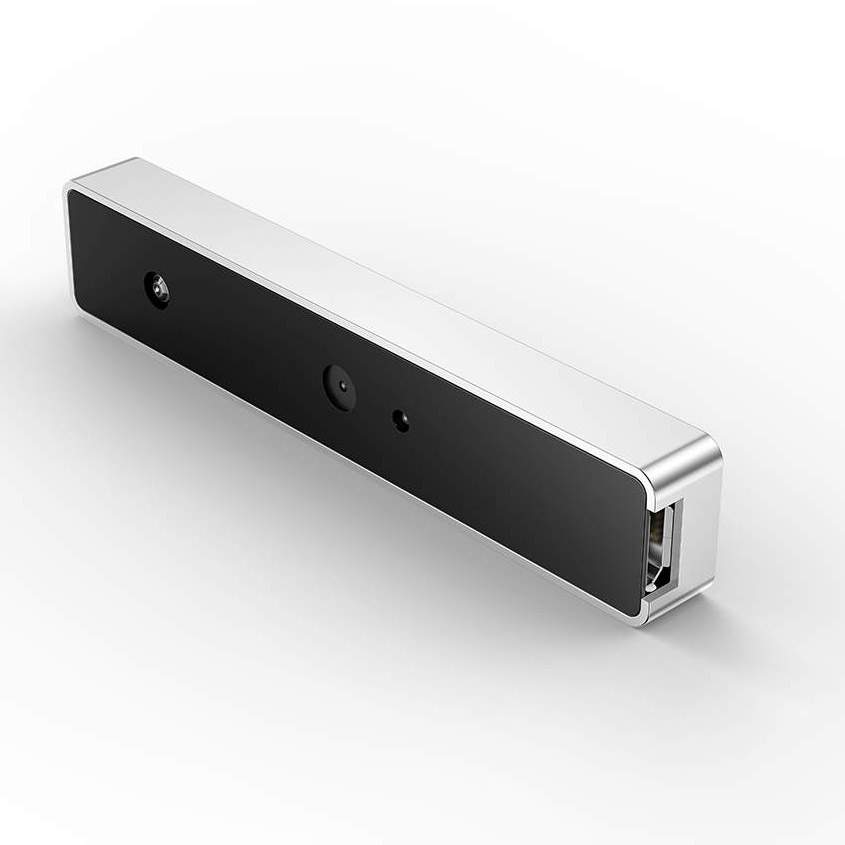
WebCam USB External Type Windows Hello Facial Recognition IR Camera 1080P HD Video Calling Camera Compatible with Windows 10
$69.99 $49.99
WebCam USB External Type Windows Hello Facial Recognition IR Camera 1080P HD Video Calling Camera Compatible with Windows 10
Description:
Windows Hello: Discover facial recognition on Windows 10
1.Windows Hello logs you into your Windows devices 3x faster than a password. Use your camera to recognize your face. Windows Hello recognizes you instantly. You can always keep your PIN as a backup.
2.Enabling Windows Hello turns on sign-in with your face. Login faster and more securely to your laptop.
NOTE: First, update OS to Windows 10 Fall Creators update or later.
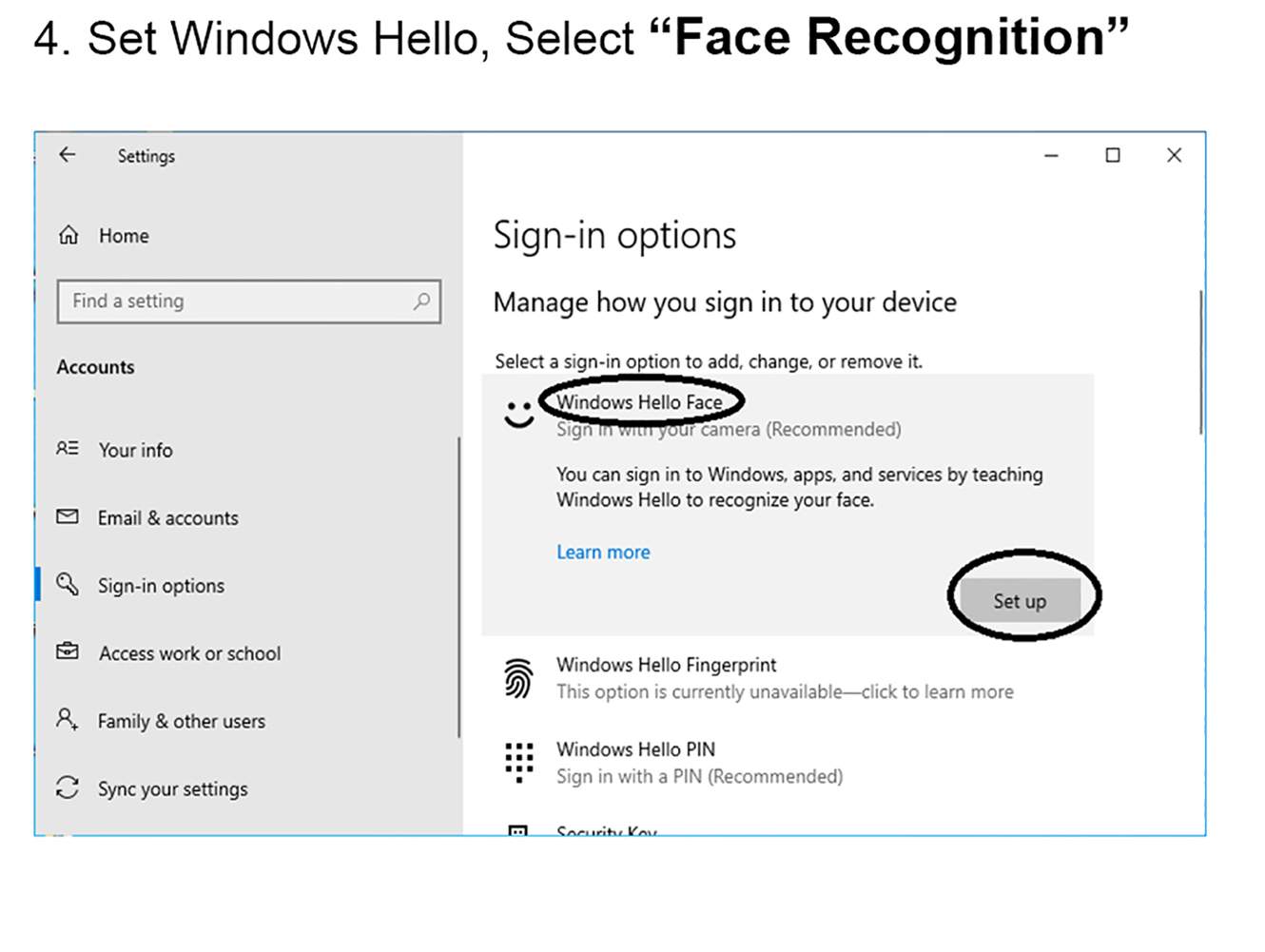
How to Setup Windows Hello
1.Open Windows Setting->Select “Accounts”
2.Select “Sign-in Options”
3.Set Password and PIN before Windows Hello.
4. Set Windows Hello, Select “Face Recognition”.
5.Start Enroll.
SPECS & DETAILS
System Requirements
Windows 10 Fall Creators update or later
Technical Specifications
* USB2.0 plug-and-play USB connectivity
* Infrared sensor technology for Windows Hello
* 1080P Full HD video calling (up to 1920*1080 pixels @30 fps)
* 720P HD video calling (up to 1280*720pixels @30 fps)
Features
– Full HD 1080P webcam
– Facial Recognition IR camera
– Easy to install
– Compatible with Windows 10
– Designed for Windows Hello
– Smallest external Windows Hello infrared facial recognition login camera, only 7.6cm x 1.5cm, short and light
– Password-free login to Windows 10 for safe and fast
– Compatible with FIDO security protocol, Microsoft certification passed
NOTE:You may encounter the following problems during installation
1. Please connect the USB interface to the motherboard (please do not connect to a Hub), and then restart the computer.
2.Please check if there is “Biometric Device—– Windows Hello Face Software Device” in the Device Manager
Right-click “Start” –> “Device Manager”
If you don’t have this device, your system may be a lite version.
Solution: C:WindowsSystem32WinBioPlugInsFaceDriverHelloFace.inf
Please find the directory, right-click “HelloFace.inf”, click “Install”. The device will be added and windows hello is worked.
If there is no FaceDriver folder, please contact us and send your email
3. Please check if the account name is Administrator?
If the account name is Administrator, this is a disabled account. All Microsoft operating system default administrator accounts are Administrator accounts. To avoid permission conflicts, Microsoft’s operating system has disabled the Administrator’s ability to use Windows Hello.
Solution: Please create a new account and you can use Windows Hello in the new account.
4. The memory space of the TPM chip is insufficient. When the computer has a TPM chip, Windows Hello will store the face data into the TPM chip. When the space is insufficient, the system will disable Windows Hello.
Solution: Turn off TPM or clear TPM.
Related products

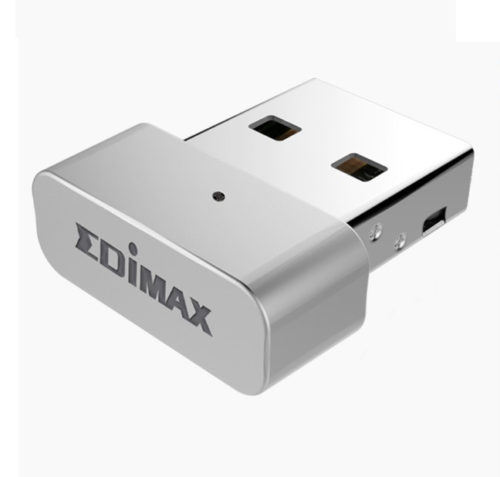
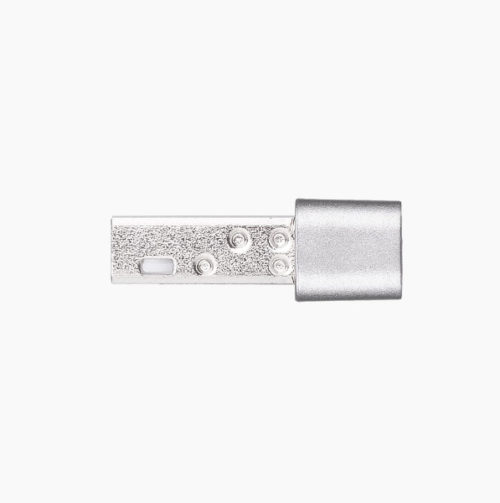
EDIMAX EW-7711MAC AC450 450Mbps Wi-Fi USB Adapter 802.11ac 5GHz for PC&MAC
- Nano, stylish and minimal design, it is perfectly fits your MacBook
- Complies with IEEE 802.11ac standard and backward compatible with wireless 802.11a/n standards
- Wireless connectivity on 5GHz band reducing wireless interference
- Maximum Wi-Fi speeds of 433Mbps (5GHz) Features WEP64/128-bit, WPA, WPA2 encryption
- Features easy setup wizard
- Supports Mac OS 10.7~10.12
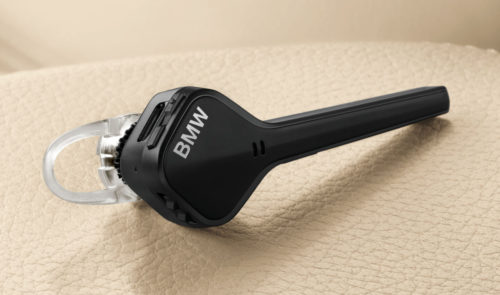

Genuine BMW Bluetooth Headset Wireless In-ear Earphones 84642360745 OEM By Plantronics Voyager Edge
Genuine BMW Bluetooth Headset Wireless In-ear Earphones 84642360745 OEM By Plantronics Voyager Edge Original Part number: 84642360745. -1 BMW bluetooth headset.
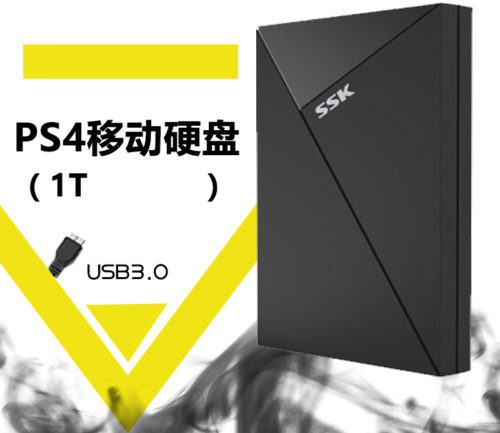

New Mobile Hard Disk USB3.0 1TB 2.5 inch 5Gbps SSK King SHE088 for PC MAC Xbox one PS4
Product description
System requirements:
Windows 10, Windows 8, Windows 7 operating system or Mac OS X 10.9 (or higher)
USB 3.0 port (required for USB 3.0 transfer speeds, or backward compatible with USB 2.0 ports at
USB 2.0 transfer speeds)
Package includes: Hard Disk*1 Data Cable*1 Packaging*1

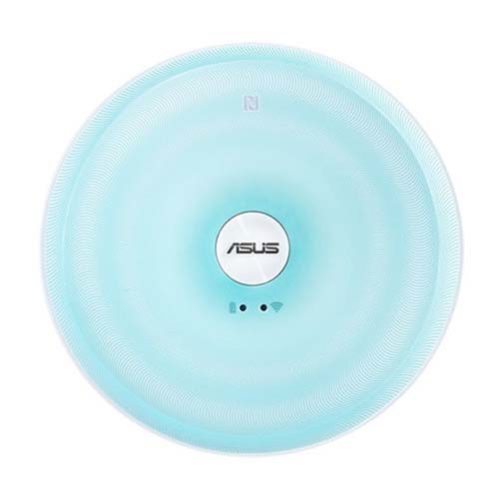
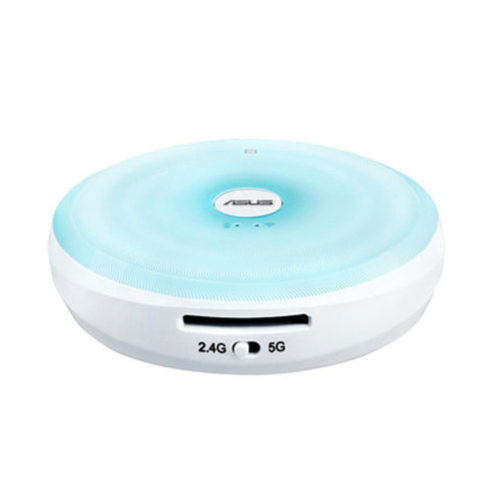
ASUS Dual-Band Wireless Gigabit Router
Share, stream and transfer files wirelessly on dual-band AC Wi-Fi at 433 Mbps with up to five devices using the

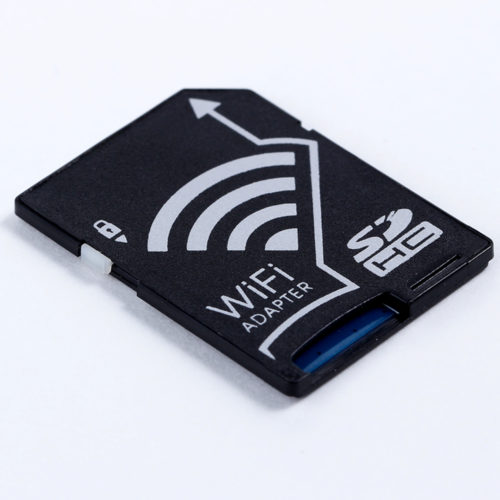
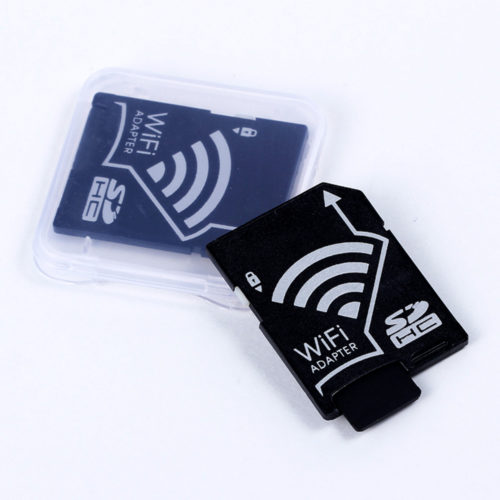
Wireless Micro SD TF Card to SD Card Adapter for IOS Android Smartphone Tablet
Wireless Micro SD TF Card to SD Card Adapter for IOS Android Smartphone Tablet Features: Plug the WiFi adapter with
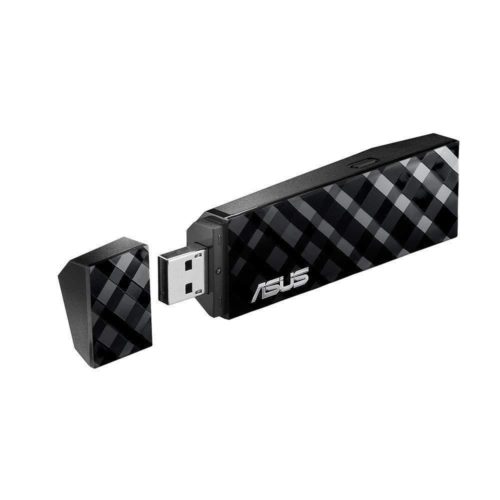
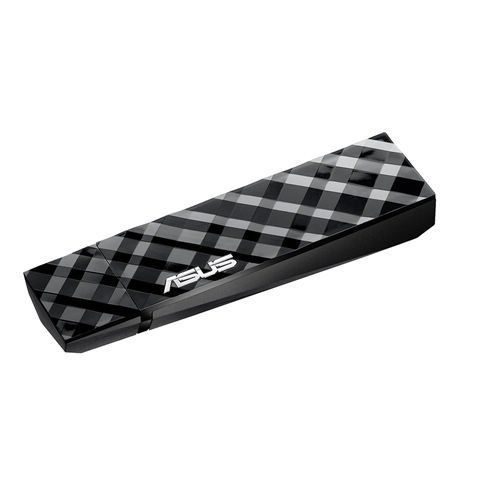
ASUS USB-AC53 AC1200M Dual-Band USB 2.0 802.11a/b/g/n/ac Wi-Fi Adapter Dongles
- Extra-fast 5th Generation Wi-Fi at up to 867Mbps/300Mbps
- Selectable 5GHz/2.4GHz dual bands increase signal clarity for better HD multimedia
- Powerful 2x2 embedded patch antennas (PIFA type) improve signal range while integrating into the attractive design
- Exclusive NetClip and cradle accessories for convenient placement and better performance

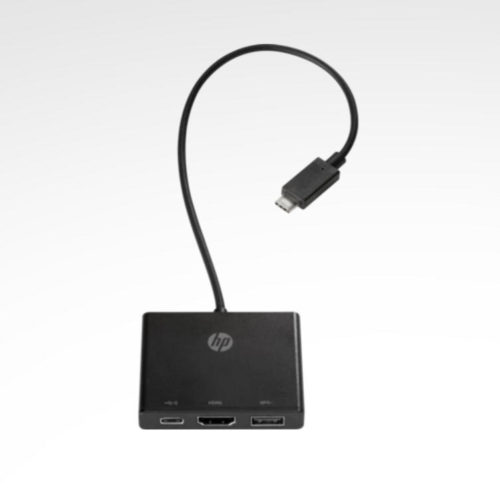
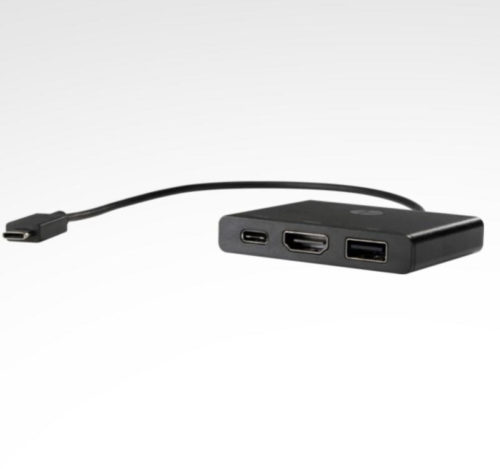
HP USB-C3.1 Type-C to Multi-port Hub USB 3.0 Type-C HDMI for PC & Apple Macbook Pro
Turn your ultra-sleek device into a productivity powerhouse with an all-purpose connectivity hub. Connect everything from a larger HDMI display to an external hard drive using just one USB-C™[1] port, for a full-featured experience that lets you take on a serious workload, wherever you are.
Multiple connections
Connect to an external display or other accessories with the HDMI, USB-C™[1] and USB ports.
Pocket-sized portability
Compact and lightweight, it seamlessly travels with you without adding bulk.
Convenient cable
With a generous 12" cable, you can position the hub wherever you need.
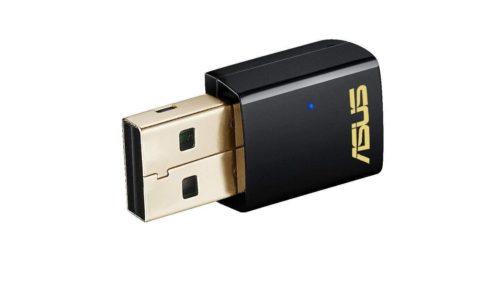
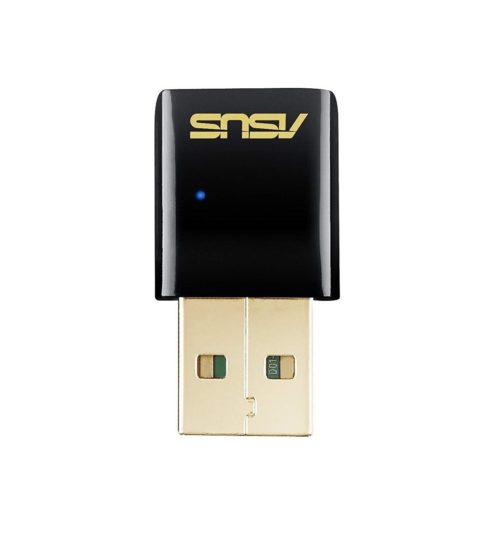
ASUS USB-AC51 AC600M Dual-Band USB 2.0 802.11a/b/g/n/ac Wi-Fi Adapter Dongles
- The smallest 802.11ac USB Wi-Fi adapter in the market
- Selectable dual-band 5GHz/2.4GHz for up to 433 Mbps
- Instant upgrade to next generation 5G Wi-Fi for your desktop and notebook