










We are willing to ship to Worldwide by Airmail Service and Express shipping.
Your order will be shipped within 1-2 business days once we receive your payment.
We are not responsible for any customs duty incurred at foreign customs.
Buyers have to pay for the return cost and we pay the cost for reshipping.
Normal you will get the pakcage within 8-15days(Airmail Service) 3-7days(Express Shipping)
-70%
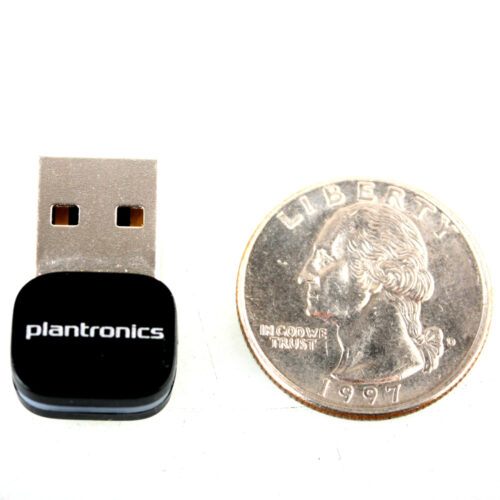
Genuine New Plantronics BT600 Bluetooth BT4.1 USB Dongle Adapter 4 Voyager 3200 5200 6200 8200 UC HD Audio
$59.99 $18.00
Description
BT600 USB-A Adapter
High-fidelity Bluetooth USB Adapter P/N: 205250-01
OVERVIEW: Wireless USB adapter enables an excellent communication and music experience when connecting your existing Plantronics Bluetooth headset or headphones to PC and Mac computers. It’s small enough to keep in your computer for always-ready connectivity.
With the compact and easy to use BT600 High Fidelity Bluetooth USB Adapter from Plantronics a Bluetooth connection can be established between a Windows or a MAC based computer and Plantronics Bluetooth headphones or a headset. This adapter has been tested by the mfg for compatibility with both Plantronics VOYAGER FOCUS UC and BackBeat PRO+.
WORKS WITH:
Voyager 6200 UC
Business-ready Bluetooth neckband headset with earbuds
Voyager 5200 Office and UC Series
Mono Bluetooth? Headset System
Voyager 8200 UC
Stereo Bluetooth Headset
Voyager 3200 UC
Discreet Bluetooth Headset System
Voyager 4200 Office and UC Series
Bluetooth? wireless headset systems for office workers
Voyager Focus UC
Stereo Bluetooth headset with Active Noise Canceling (ANC)
QUICK START GUIDE: To pair your high-fidelity Bluetooth? USB adapter to your headset, do the following: 1. Insert the USB adapter into your laptop or computer and wait for your computer to recognize it. 2. Put your headset in pair mode (refer to your headset’s user guide). 3. Put your USB adapter into pair mode by pressing and holding the red Pair button until the USB adapter LED flashes red and blue. 4. Pairing is successful when you hear “pairing successful” and the USB adapter LED is solid blue. Your USB adapter comes ready to take calls. If you want to listen to music, you need to configure your USB adapter.
Windows OS 1. To configure your USB adapter to play music, go to Start menu > Control Panel > Sound >Playback tab. Select Plantronics BT600, set it as the Default Device and click OK. 2. To pause music when you place or receive calls, go to Start menu > Control Panel > Sound >Communications tab and select the desired parameter.
Mac OS 1. To configure the USB adapter, go to Apple menu > System Preferences > Sound. On both the Input and Output tabs, select Plantronics BT600.
Features
**OPEN BOX**ORIGINAL MFG PACKAGING NOT INCLUDED**All Bluetooths were tested and are in mint condition, they may have some minor marks or scratches. Check out our 30 day 100% refund/return policy.
Network USB Adapter
Bluetooth
For VOYAGER 3200 UC , 5200 UC , 6200 UC , 8200 UC
Simply plug this Bluetooth Adapter into any USB port and have an instant sloution to add a wireless connection to your computer
Add wireless connectivity to a computer without the hassle of internal installation with this external adapter
Host Interface: USB
Form Factor: External
Device Supported: desktop computer/notebook
Includes
1- Plantronics BT600 USB Network Adatper ??no retailbox??
Related products

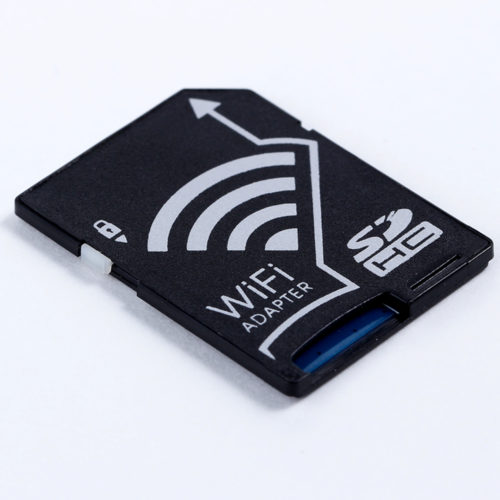
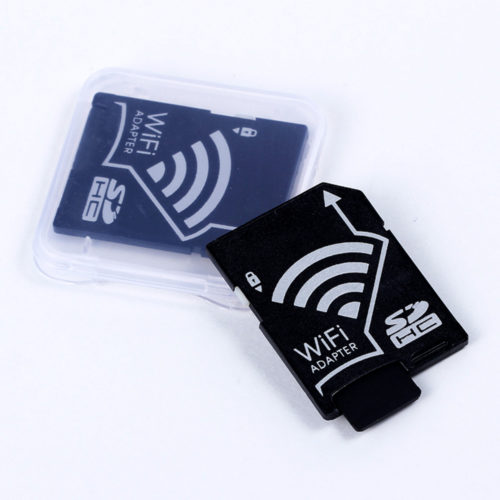
Wireless Micro SD TF Card to SD Card Adapter for IOS Android Smartphone Tablet
Wireless Micro SD TF Card to SD Card Adapter for IOS Android Smartphone Tablet Features: Plug the WiFi adapter with
-20%
Close
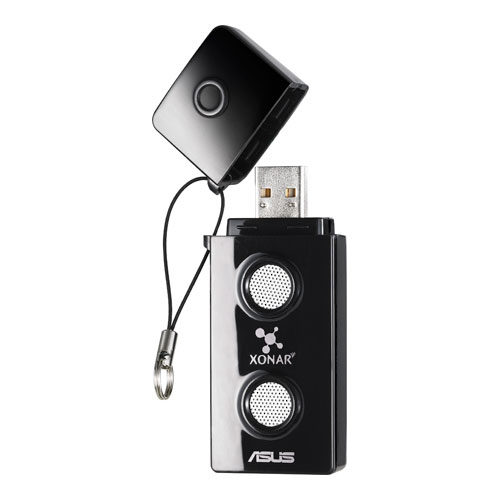
ASUS Xonar U3 Sound Cards (XONAR_U3/UAD/B/A)
The ASUS Xonar U3 upgrades your audio via USB for crisp and clear sound in music, movies, games, and VOIP.

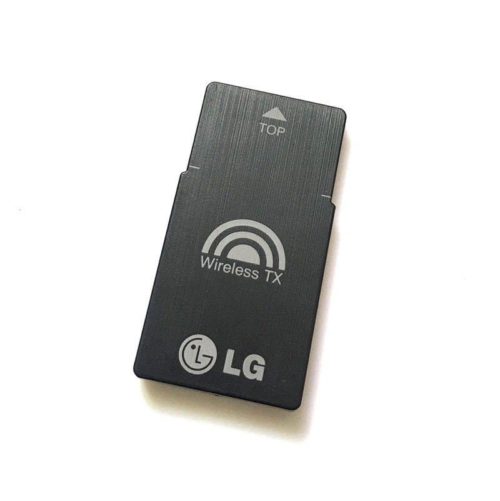
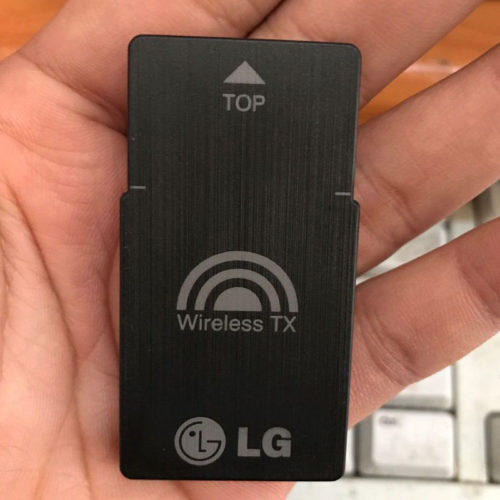
LG T2 TX Wireless Adapter Card V038 EAT61653501 For BH6520HW B7520TW BH7530TW
Brand : LG
Model: T2
Part No:EAT61653501
Type:TX Wireless Adapter Card
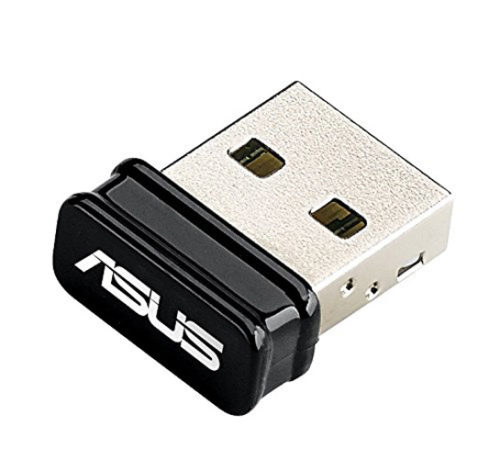
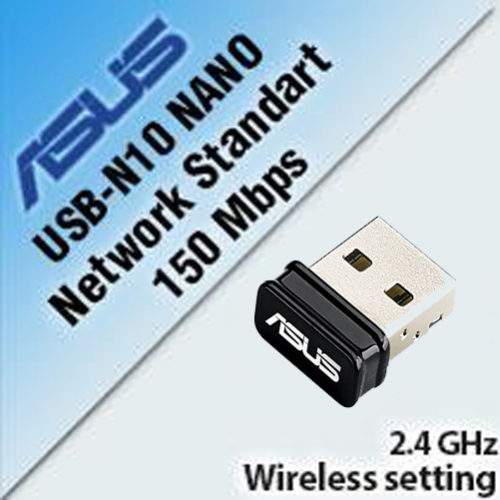
ASUS USB-N10 Nano N150M 802.11b/g/n Wi-Fi Wireless USB Adapter Windows Mac Linux
- 25% wider signal coverage for enhanced wireless connectivity
- Auto-off function to save power on the go
- Support the newest Window 10 & MAC OS 10.10 Operating Systems
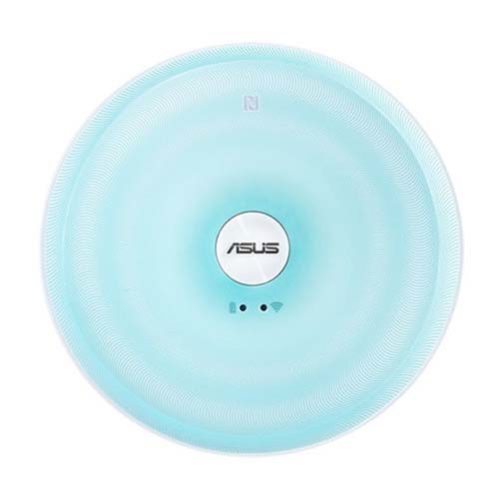
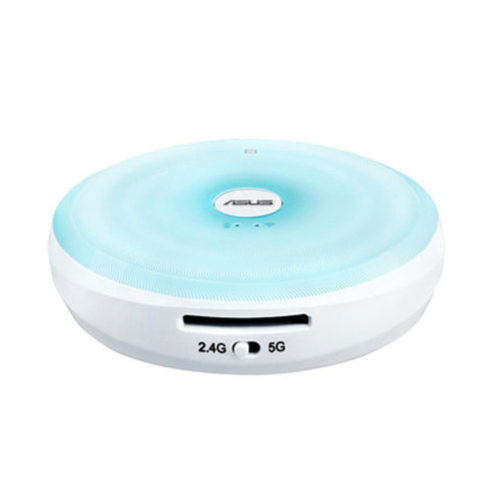
ASUS Dual-Band Wireless Gigabit Router
Share, stream and transfer files wirelessly on dual-band AC Wi-Fi at 433 Mbps with up to five devices using the
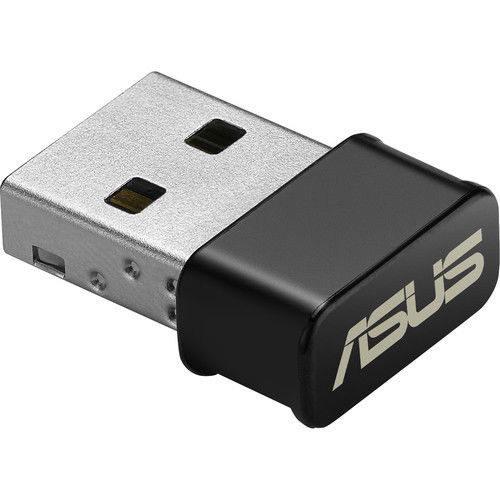
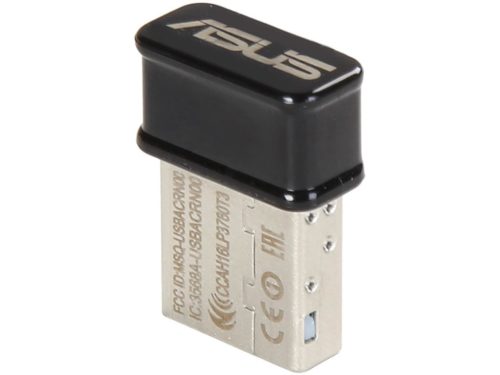
ASUS USB-AC53 Nano AC1200 Dual-Band USB2.0 802.11a/b/g/n/ac Wi-Fi Adapter Dongle
- 802.11a/b/g/n/ac Wi-Fi Standards
- Up to 1200 Mbps Wi-Fi Data Throughput
- 2.4 GHz & 5 GHz Dual-Band
- USB 2.0 Interface
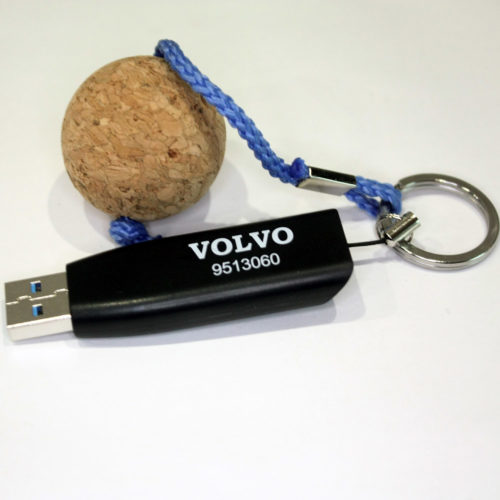
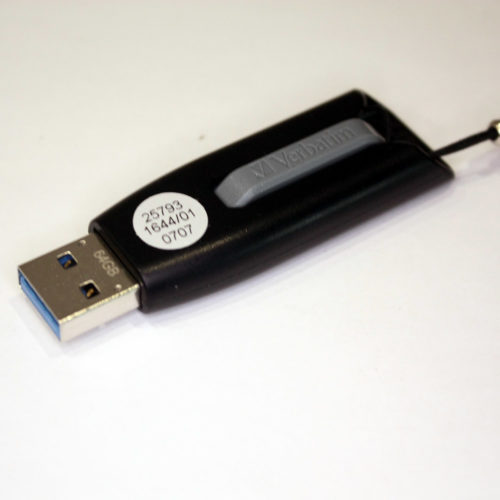
Brand New VOLVO Genuine Parts 9513060 USB 3.0 64G Flash Driver OEM By Verbatim
Genuine Parts 9513060
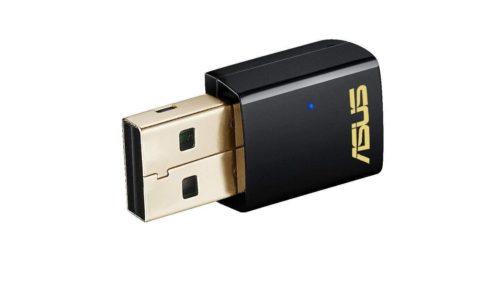
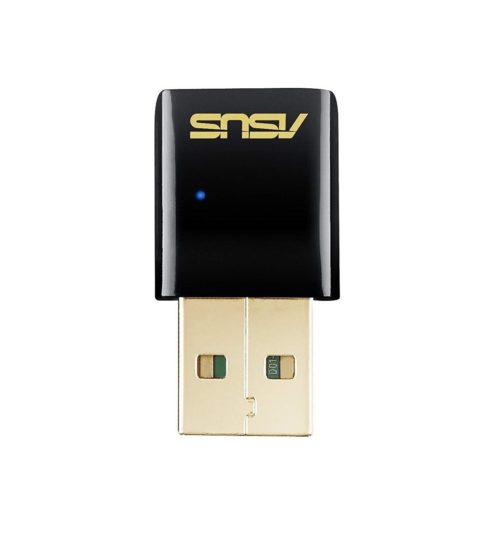
ASUS USB-AC51 AC600M Dual-Band USB 2.0 802.11a/b/g/n/ac Wi-Fi Adapter Dongles
- The smallest 802.11ac USB Wi-Fi adapter in the market
- Selectable dual-band 5GHz/2.4GHz for up to 433 Mbps
- Instant upgrade to next generation 5G Wi-Fi for your desktop and notebook